
Updating my existing docker container
In this blog post earlier I wrote about my home lab in the Oracle Cloud server where I run an Ubuntu server with few Docker containers. There I host this website, my resume website and also few other projects as well.
The update process
Now in this write I would like just share how I updating my existing Docker containers. You can see the video above.
On the picture below you can see that the proxy server has an available update.
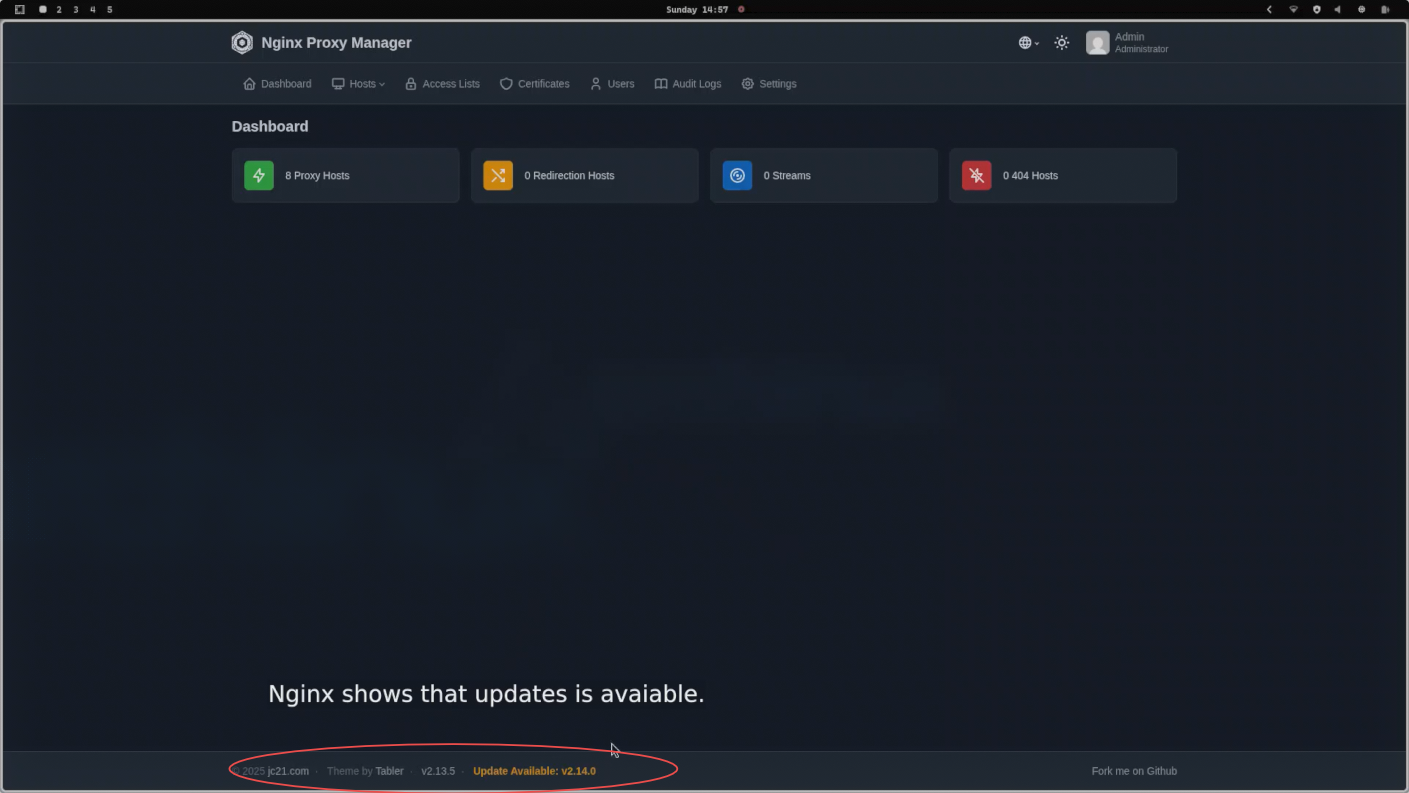
So, on my server, I use one directory, the Docker directory, and under this directory, every Docker container has its own directory where they live. Please make sure before every update you have backup, just in case if something is going wrong. In my case, the backup is automatically made at night time via bash script using crontab.
So I enter the docker container directory where I want to do an update and I run the following commands.
cd docker/nginx
docker compose pull
docker compose up -d --force-recreate --remove-orphans
So the Docker compose pull command will download the latest image for the Docker but be make sure that in the compose file at the image section has a write "latest" and not an exact image version. The second command will recreate the docker with the new downloaded image file and will remove the orphans.
The next command below will delete all the old image files what is not necessary anymore.
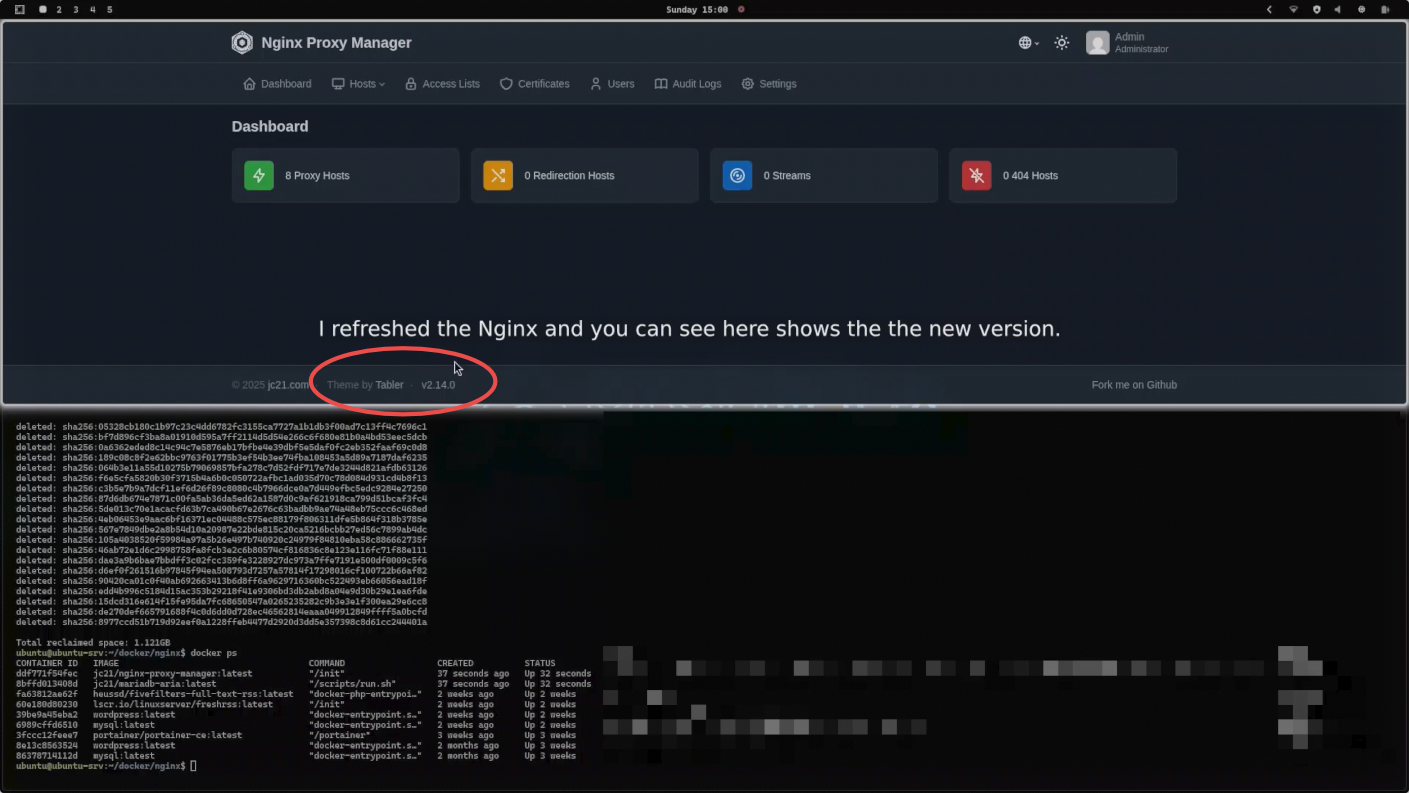
docker compose image prune -fSo now I have an updated proxy server. You can see on the picture below as well.
Robert Kokenyesi