
Portainer: Managing Docker Containers the Easy Way

The Reason
After getting my website running on Oracle Cloud Always Free Tier with Docker (WordPress + MariaDB + NGINX reverse proxy), I added more services over time: FreshRSS, Full-Text-RSS, my Resume website (this site what you read now) others later.
All containers I built manually with docker compose up -d from command line – clean and reproducible. But checking logs, restarting, viewing stats, or inspecting volumes became time consuming without a GUI.
So I added Portainer, a lightweight web UI for Docker. It lets me see everything in one place: running containers, images, volumes, networks, logs, console access. Perfect for quick checks on my laptop.
Why Portainer (and why not earlier)?
I like CLI for creating/updating (full control, and i learn more).
But for daily monitoring – especially when away from SSH – a dashboard is faster.
Portainer is just one more container. No bloat.
This is how looks from command line ( the created date not too old because i was changing few things in de compose file earlier. ) :
docker ps 
and this is how it looks in Portainer:
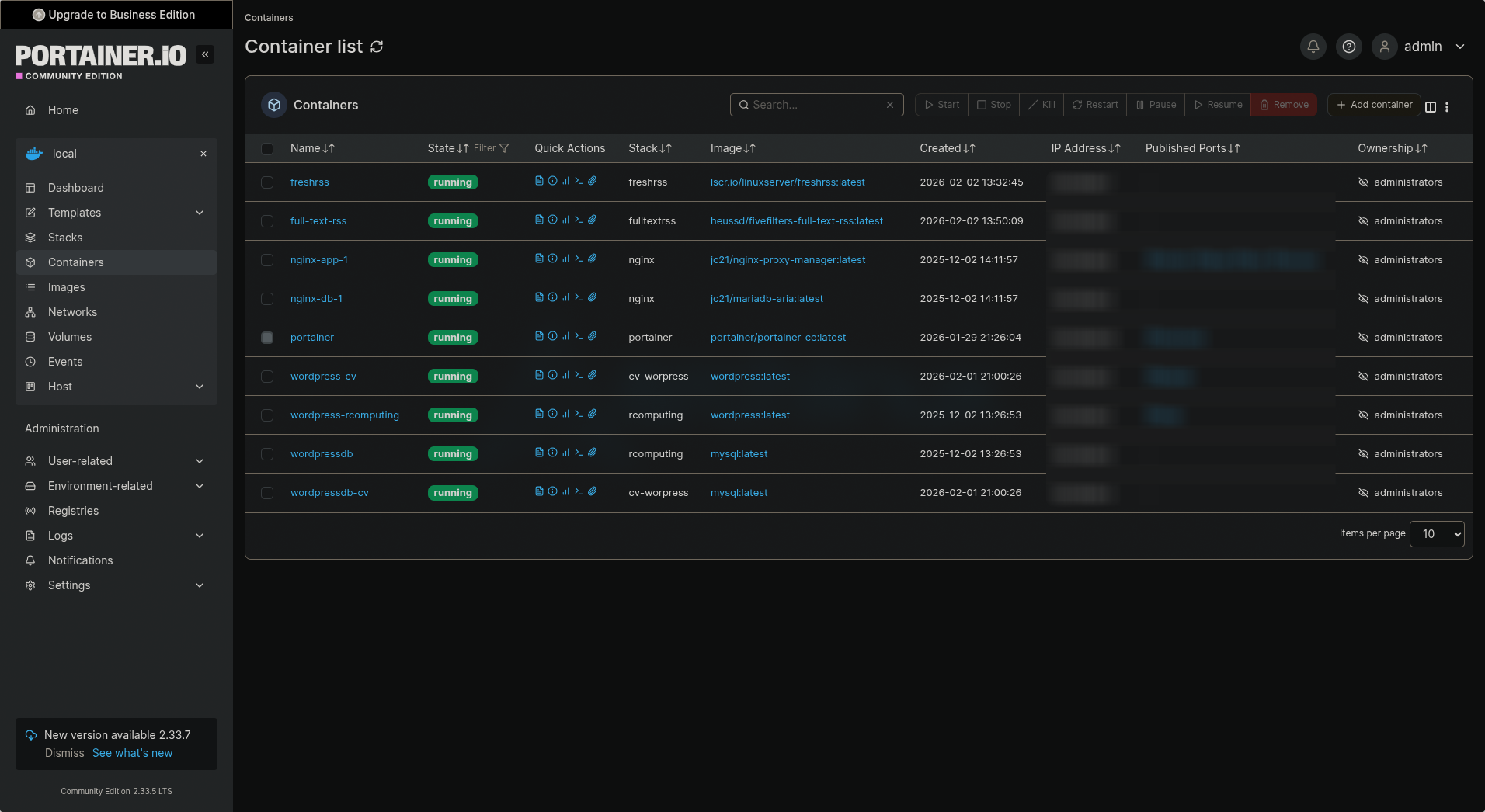
Much nicer. 😁
How I Set It Up
I run it as a Docker container on the same Oracle VM (Ubuntu Server) on the same docker network as my other dockers. This way the containers can communicate and my NGINX server can provide an SSL certificate and HTTPS for my Portainer docker web UI.
Created a dedicated directory:
mkdir -p ~/docker/portainer
cd ~/docker/portainer
Made a docker-compose.yml (you can download from my github):
Started it:
docker compose -f docker-compose.yml up -dFirst access: Open browser to http://your-server-ip:9000
Set admin password, login and done.
Also I did a subdomain on my CloudFlare account and configured my NGINX reverse proxy for HTTPS via Let's Encrypt, like the main site. But for internal use, plain 9000 is fine.
The Catch: Limited Access to CLI-Created Containers
Here's the thing, because I create/update all my containers from command line (not via Portainer stacks), Portainer shows them but with limited control:
- I can view logs, inspect, enter console, stop/start/restart.
- But no "edit" or "recreate" like with Portainer-managed stacks.
- Can't change env vars, volumes, or ports without CLI.
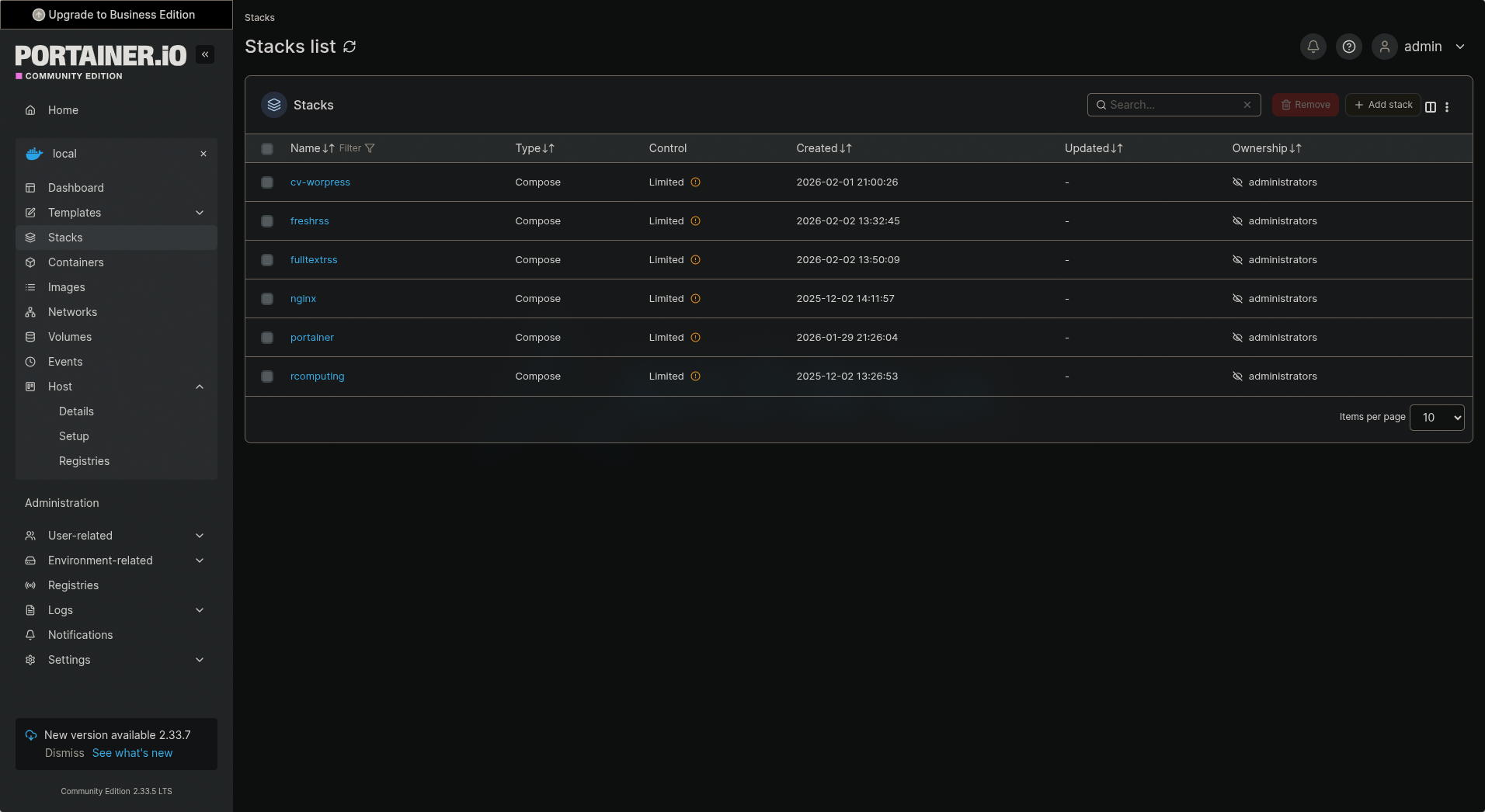
That I expected. Portainer does not "own" them. It is read-mostly for external containers. Still super useful for monitoring and quick fixes. If I ever want full Portainer control, I can recreate a service as a Stack (copy-paste compose file into Portainer UI).
What I Use It For Now
Quick status check of all services (WordPress, NGINX, FreshRSS, etc.)
View real-time logs without SSH
Enter container console for debugging
See resource usage (CPU/RAM per container)
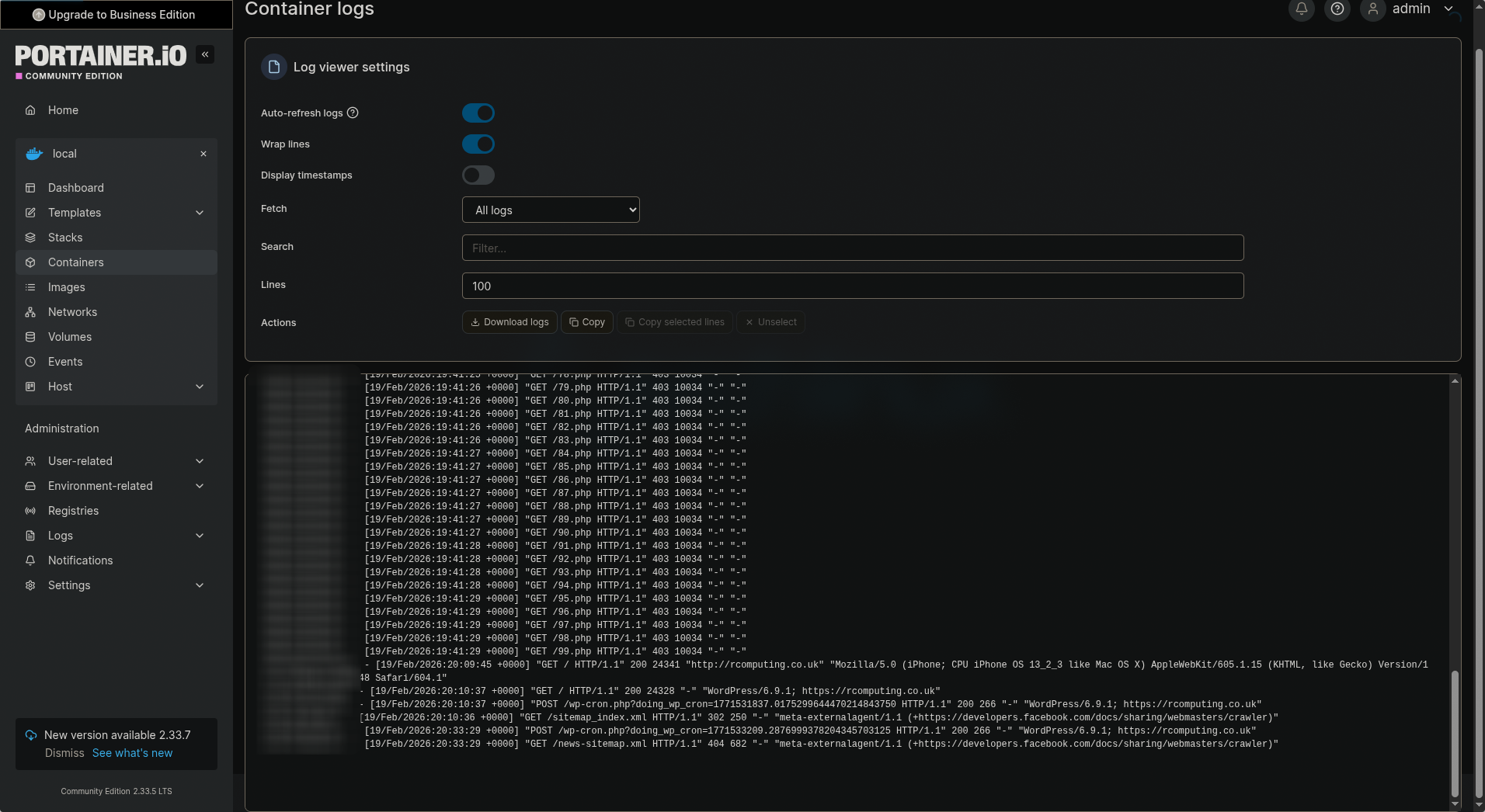
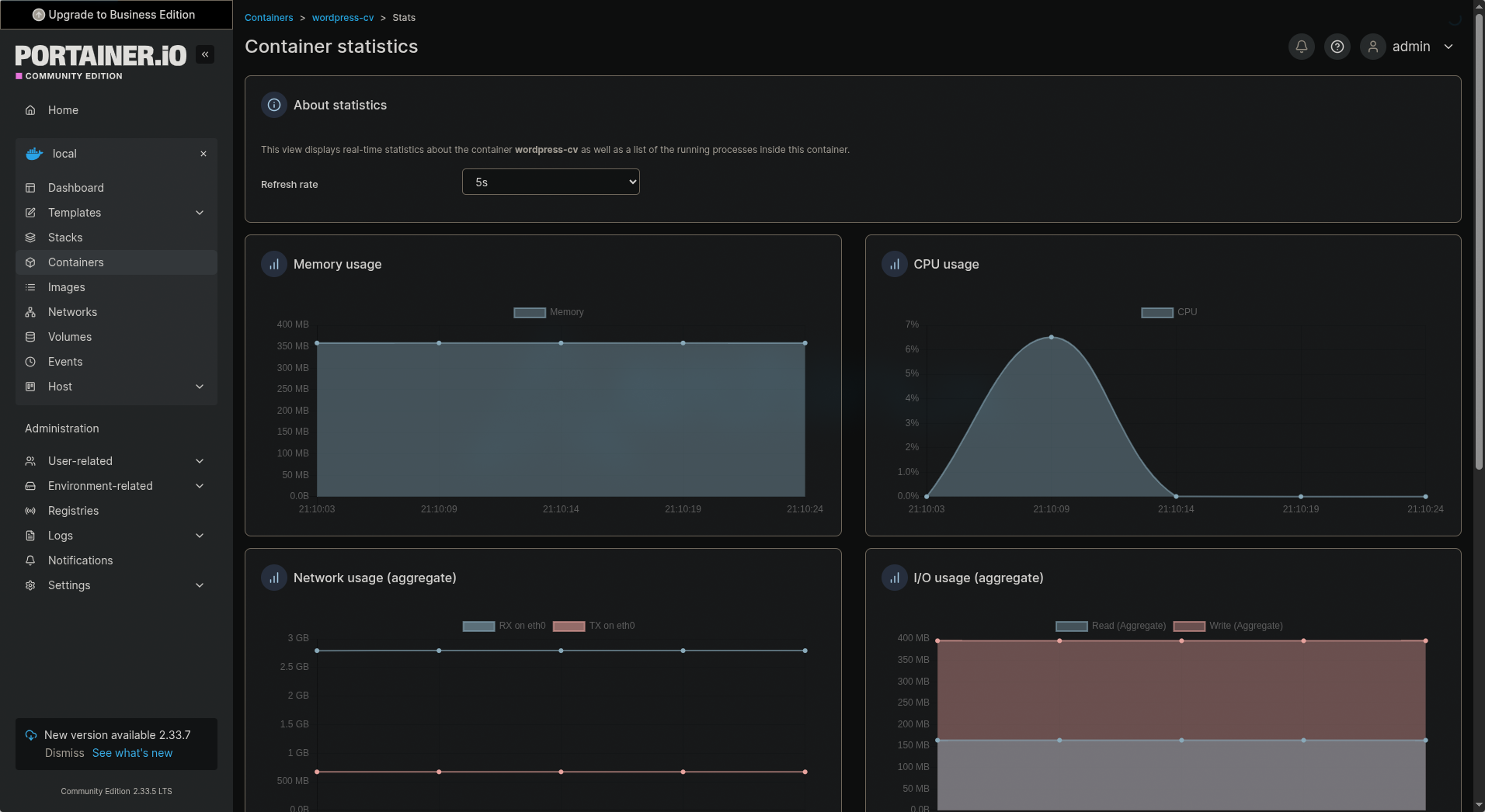
The setup has been running stable since I added it. Fits perfectly with my minimal Omarchy-style self-hosting mindset (even though the VM is Ubuntu).
Have you added Portainer to your Docker setup?
Any tips for better integration with CLI workflows?
Robert Kokenyesi